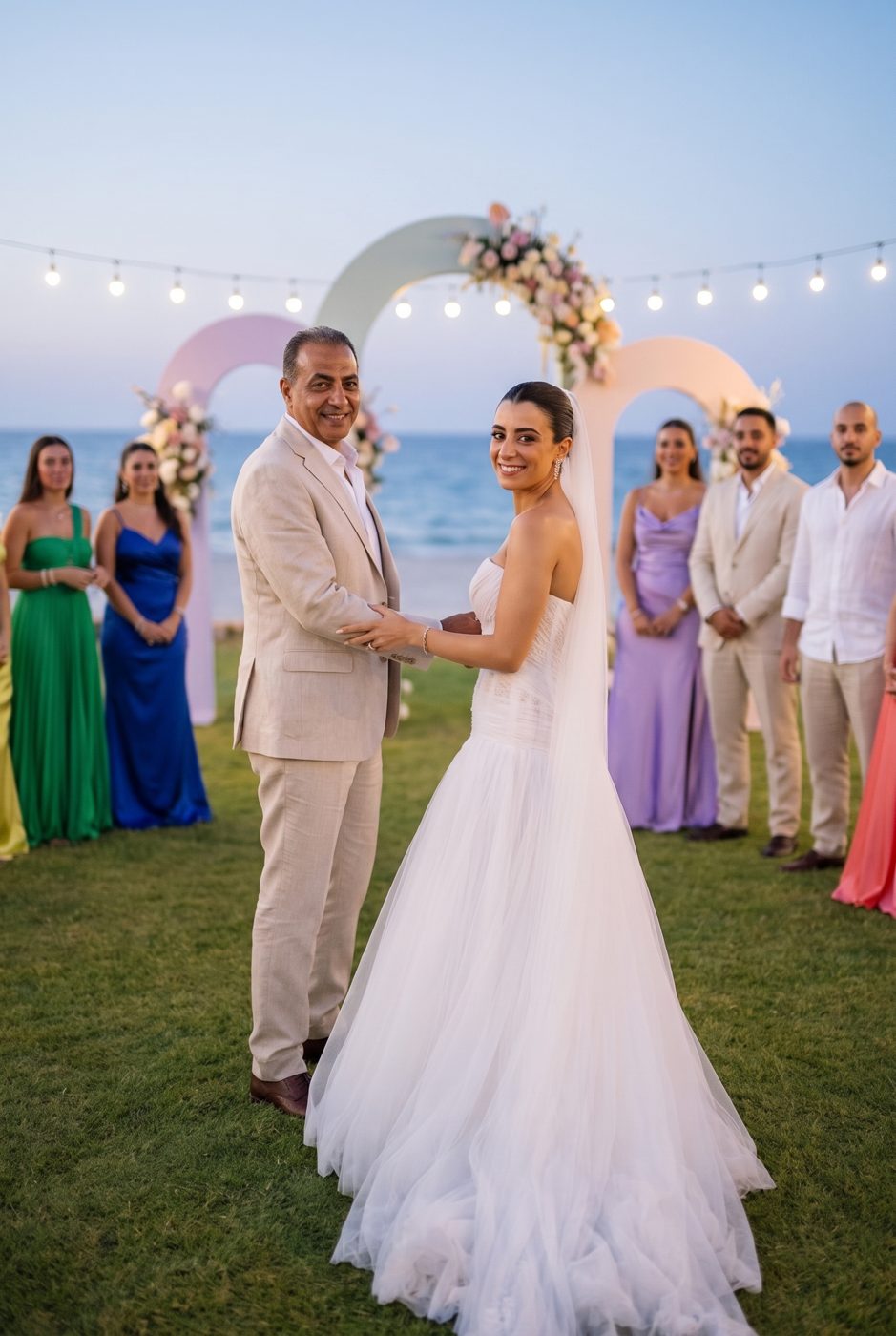
Your guests take one selfie. Albumi sends them their photos.
Upload the wedding or engagement album once. Each guest receives only the photos they are in, privately, by email. No app.

 Create your album
Upload the wedding or engagement album once. Each guest receives only the photos they are in, privately, by email. No app.
Step 1 · You
Upload the photos or paste your photographer's link. Share the invite on WhatsApp, in the group, on a card at the table.
Step 2 · Your guests
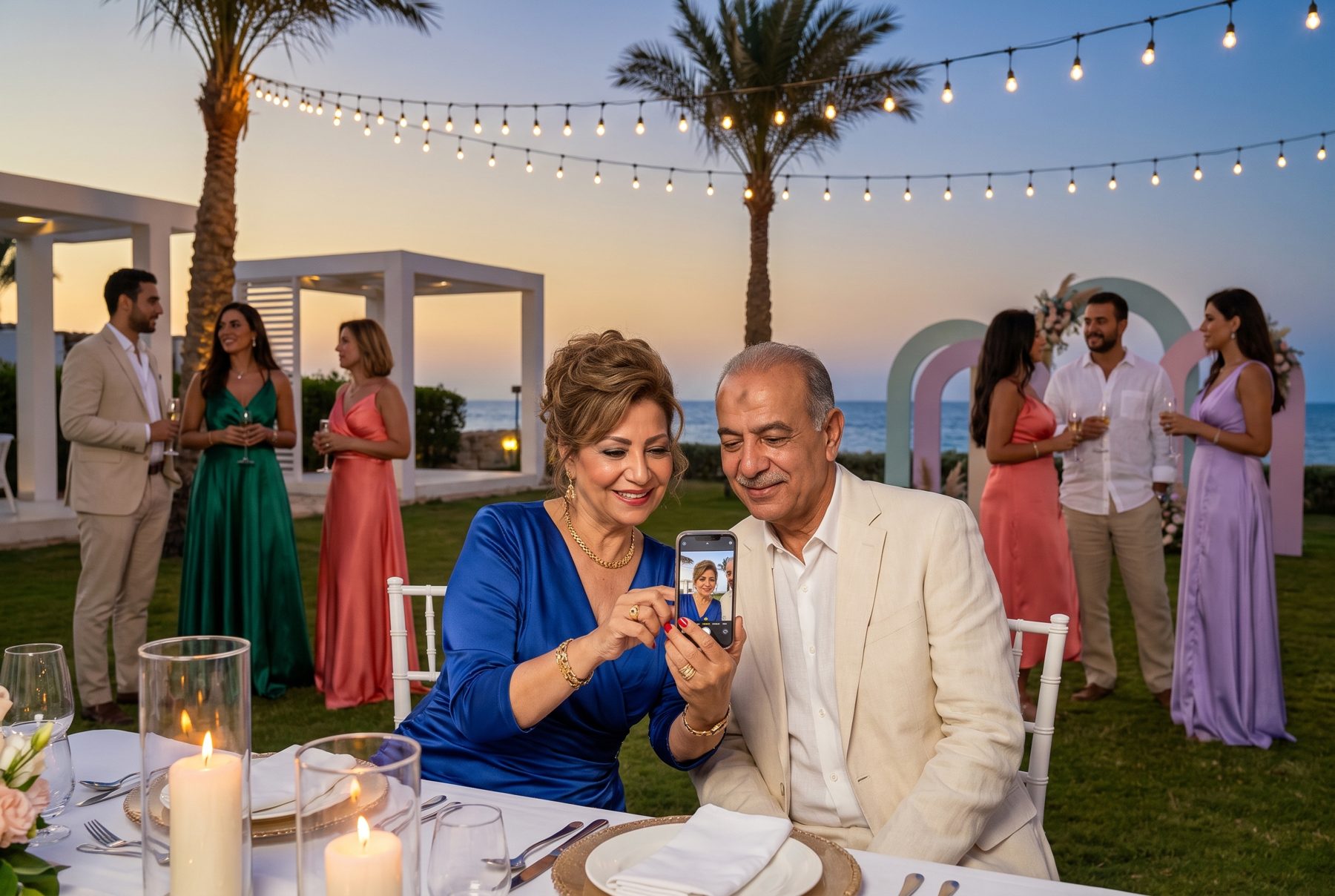
In the browser, in thirty seconds. No app, no account. Only the couple can see the selfie.
Step 3 · albumi
Every guest receives the photos they are in, privately. You did nothing else.
How it works
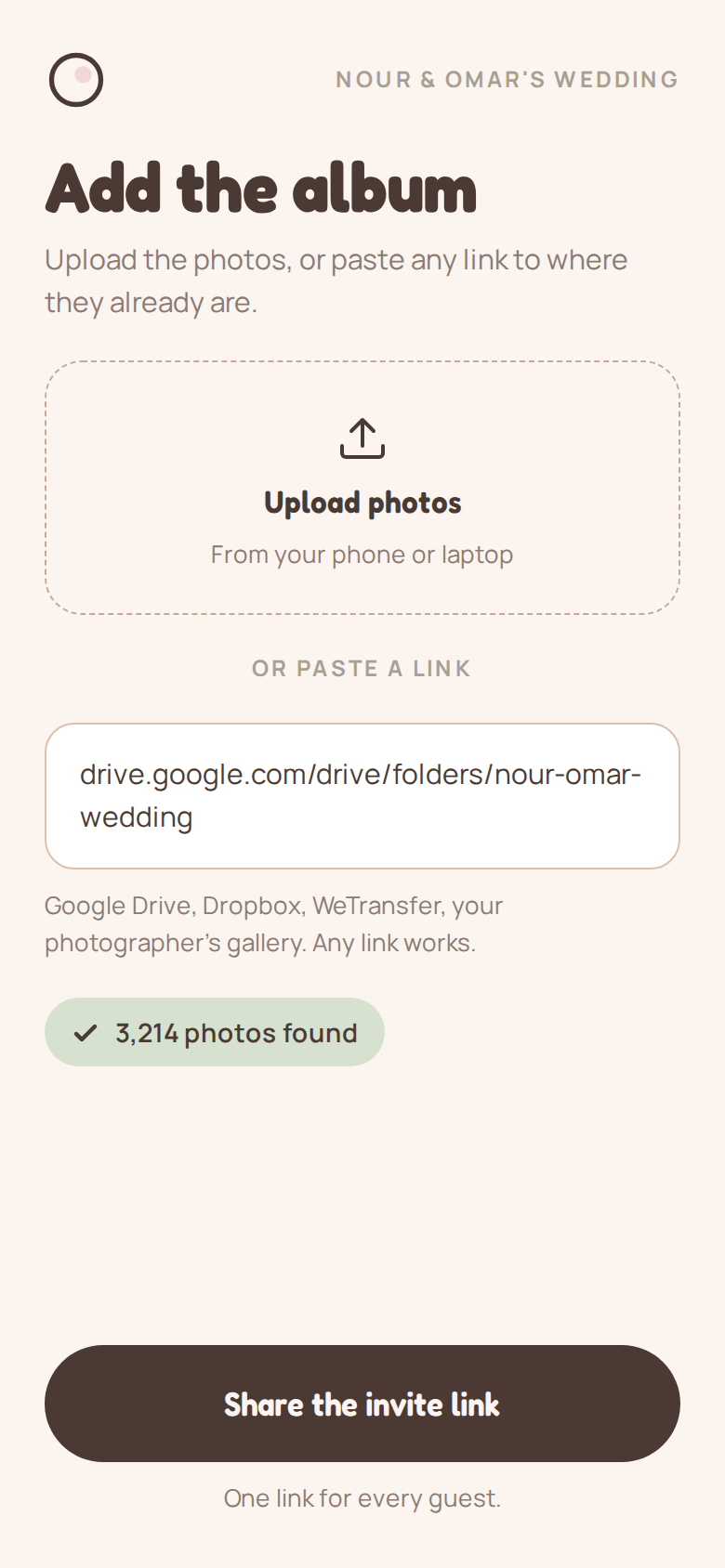
From your phone or laptop, or paste any link: Google Drive, Dropbox, WeTransfer, your photographer's gallery. Then share one invite link.
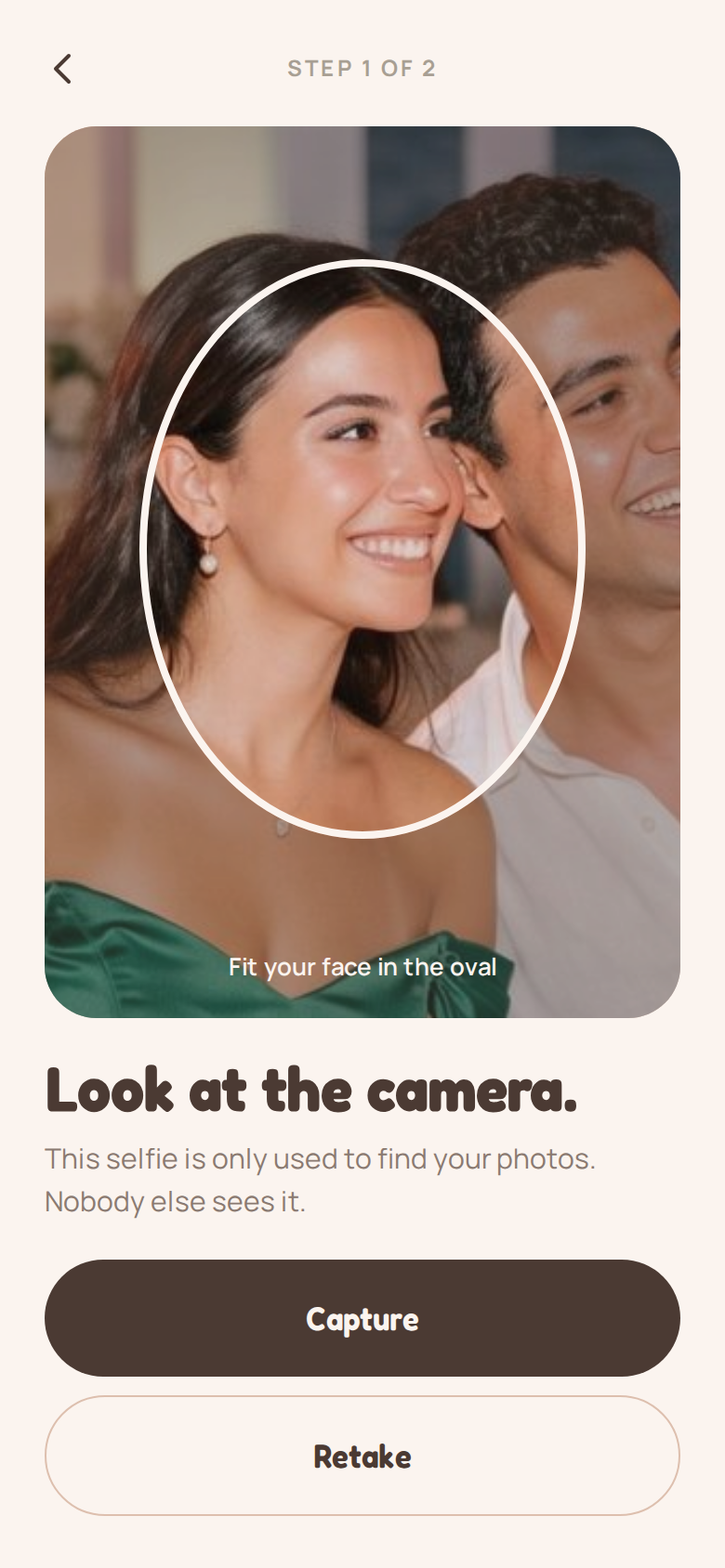
They open the invite in the browser and take one selfie. Thirty seconds, no app, no account.
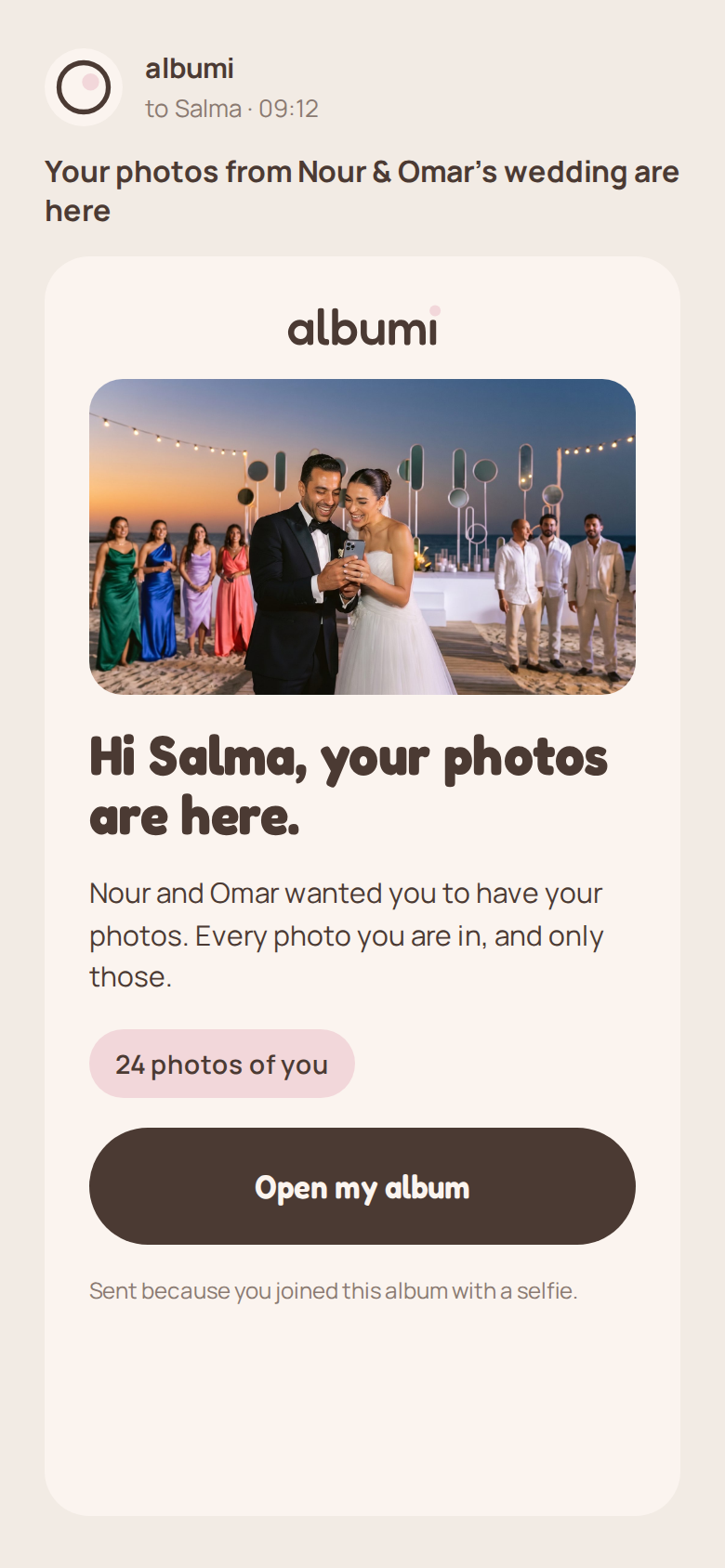
Albumi matches the selfie to the album and emails each guest only the photos they are in. Nothing for you to forward.
That is the whole process. Add more photos later and every guest gets the new ones by email.
No public album. A guest sees the photos they are in and nothing else. You see who joined, and you can replace the invite link at any time.
Good to know
Packages
Every package includes unlimited guests, private galleries and high-resolution downloads.
For the people behind the camera
Photographers and planners, we would like to hear from you.
Get in touchGet in touch
Planning a large event, or running several as a planner or photographer? Tell us about it and we'll reply by email.
Ready now? Create your album in the app.